
Invoices
Store invoice records, status, amounts, notes and uploaded files.
Keep invoices, purchase orders, uploaded files and related business records easier to find and manage.
Jected gives finance records a place inside your operational workflow, rather than leaving them scattered across emails and folders.
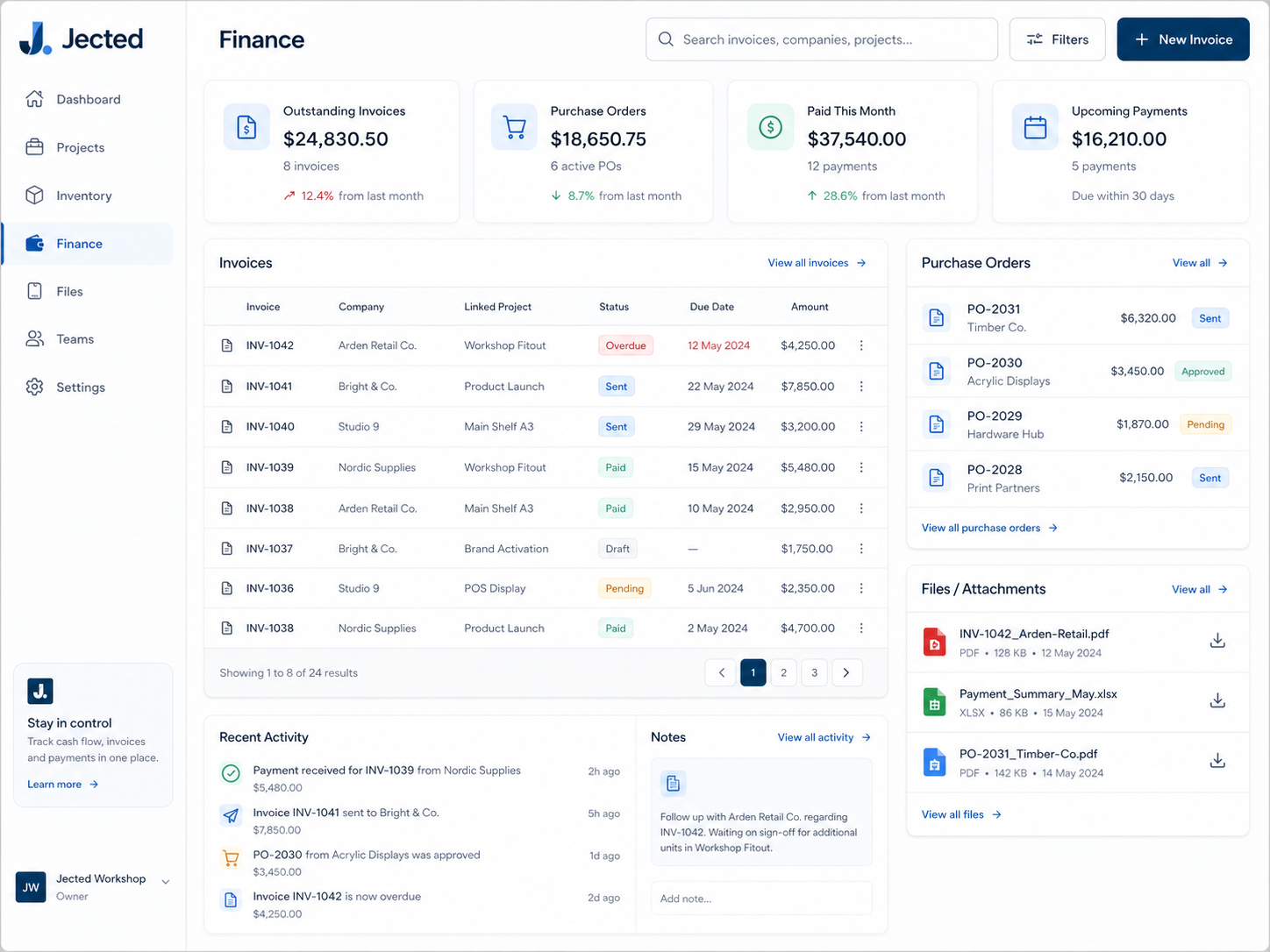
Use Jected to record the financial documents that sit around projects, stock and suppliers.
Store invoice records, status, amounts, notes and uploaded files.
Track POs and related supplier documents.
Keep finance records connected to the work they belong to.
Connect purchases to stock and item records.
Keep PDFs, quotes and supporting records attached to entries.
Find records by supplier, status, project, amount or reference.
Open Jected and start organising invoices, purchase orders and uploads.